Android Monitoring
Get crash rates to zero (ish) and launch times under a second. Identify and fix every crash and ANR with real-time insights, resolve performance issues with full-stack visibility, and streamline your Android error monitoring workflows.
Just run this command to sign up for and install Sentry.
brew install getsentry/tools/sentry-wizard && sentry-wizard -i androidimport io.sentry.android.core.SentryAndroid
SentryAndroid.init(this) { options ->
options.dsn = "https://examplePublicKey@o0.ingest.sentry.io/0"
}20,000+ mobile teams rely on Sentry for the stability and performance of their mobile apps
- Nextdoor
- Instacart
- Atlassian
- Cisco Meraki
- Disney
- Riot Games
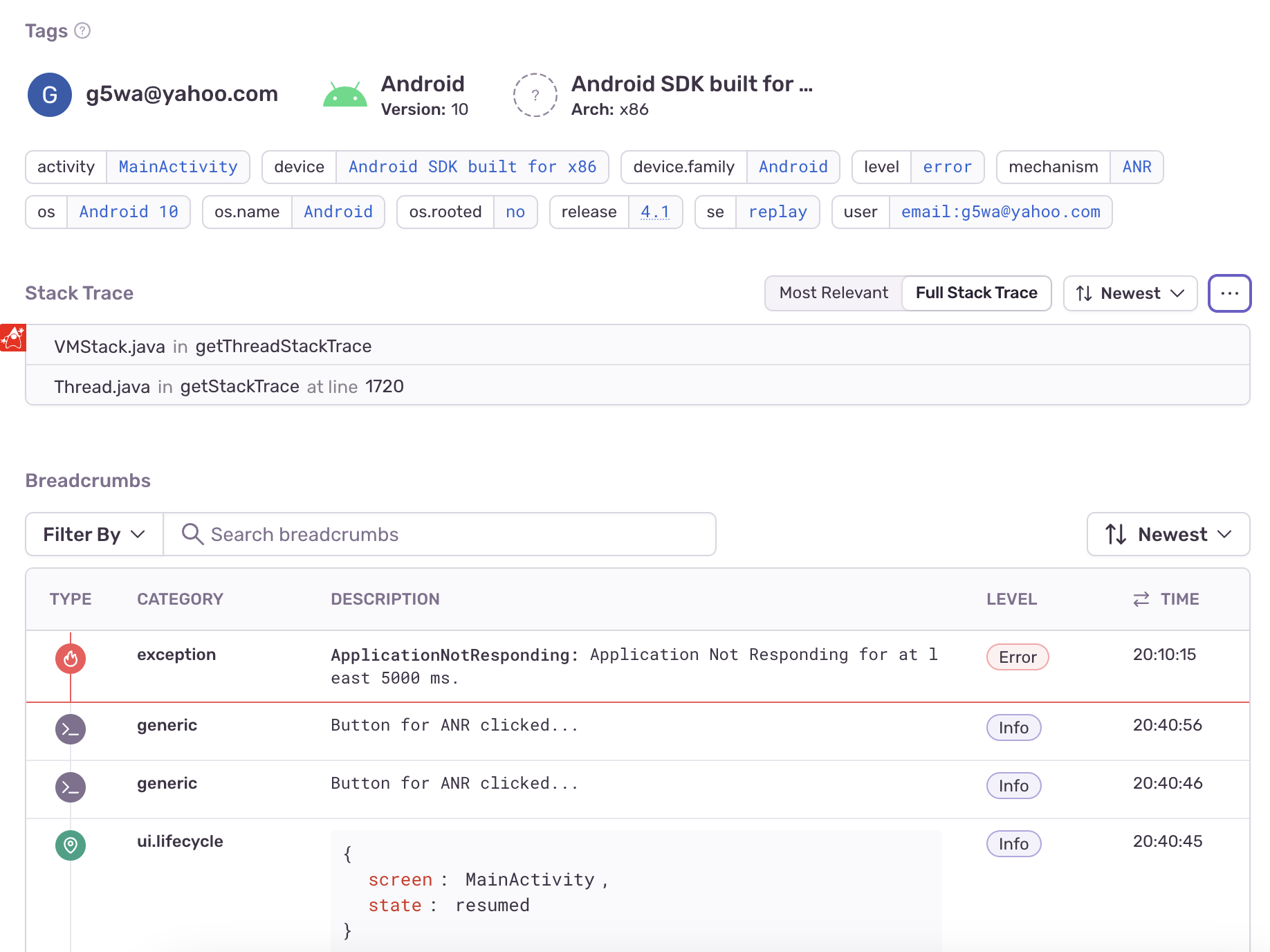
Resolve Android Crashes Faster with Deep Insights and Automated Workflows
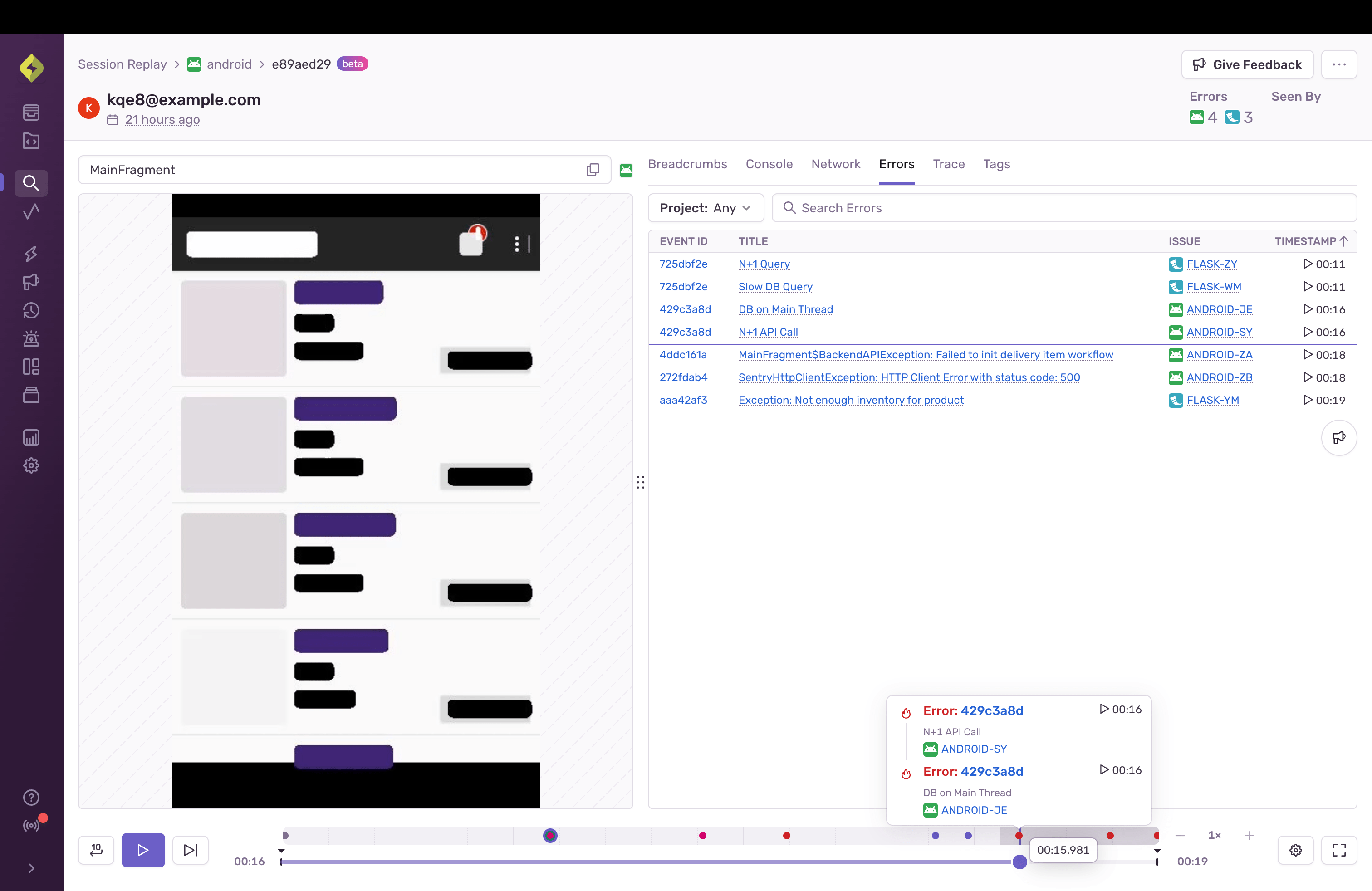
Session Replay
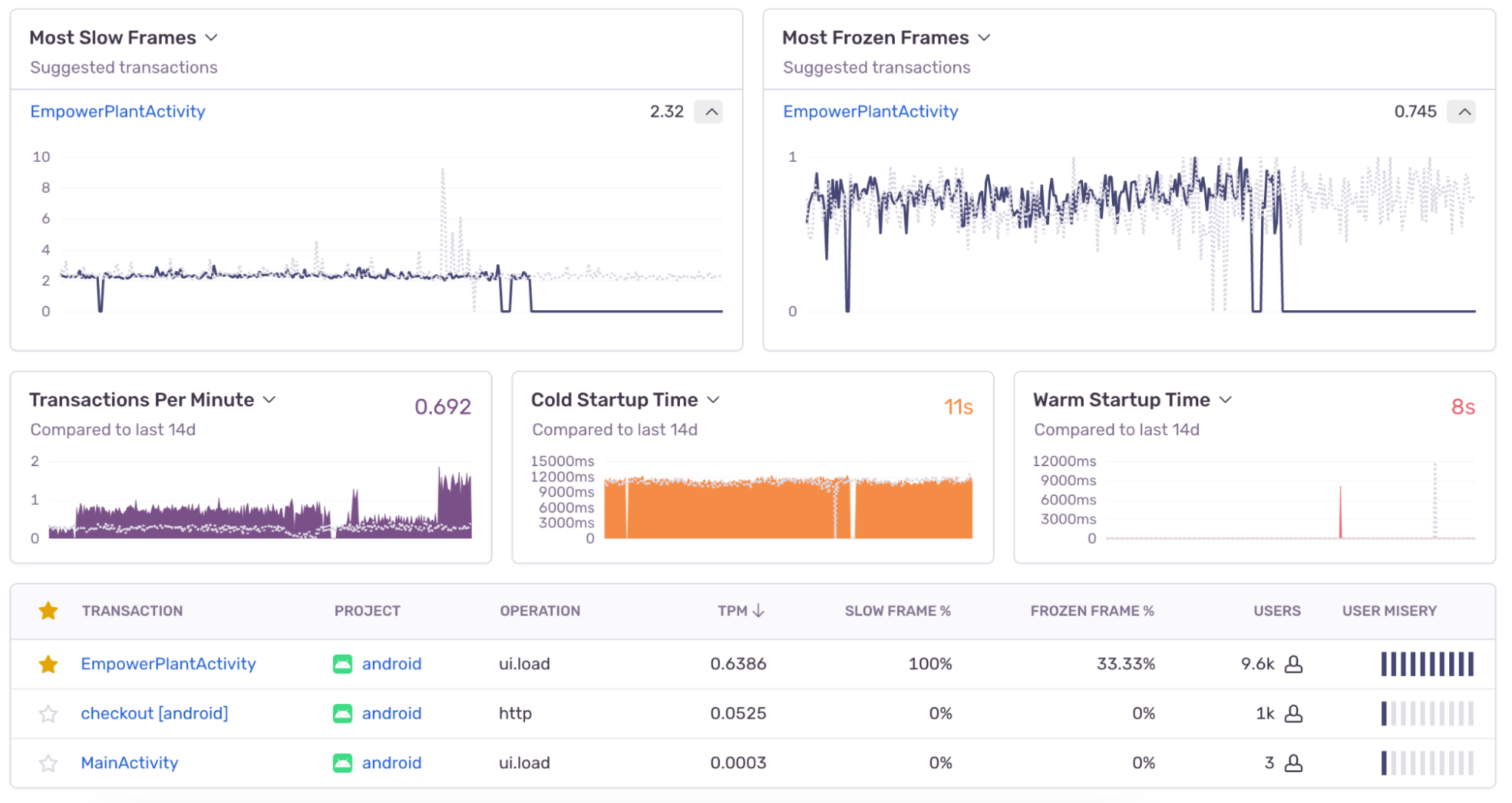
Build Android Apps Worthy of Five Star Reviews
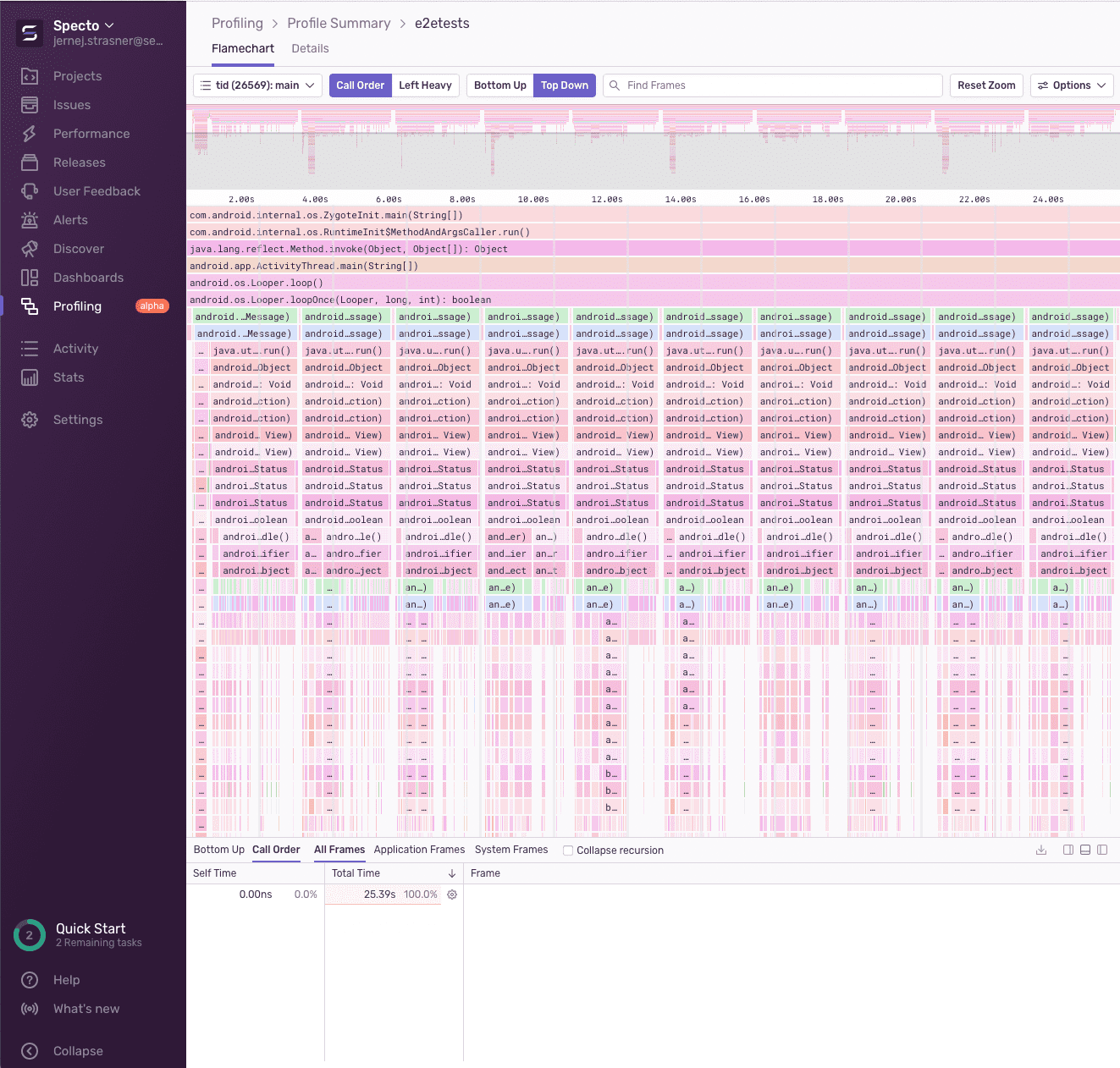
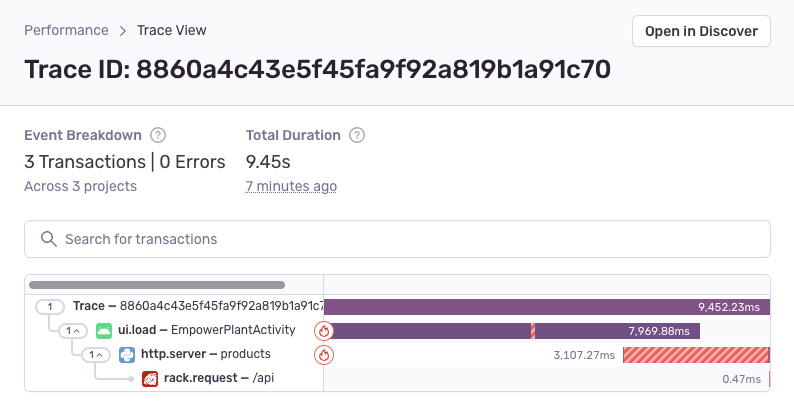
Find and Fix Performance Bottlenecks
Spend Less Time Fixing and More Time Building

Get Started with Jetpack Compose
Jetpack Compose is Android's recommended toolkit for building native UI. Our integration automatically captures user interactions as breadcrumbs and transactions, so you can quickly understand and solve any related issues.
Read the docs























"We were using another popular tool for mobile crash tracking but we wanted to 'up our game' and go beyond that. We wanted to capture non-fatal errors in addition to crashes and be set up in a way that we can actually triage and respond to them. We also wanted a better understanding of performance, like screen rendering time. Sentry helped us achieve that."
FAQs
Android crash reporting significantly improves application performance by swiftly identifying and prioritizing crashes and ANRs (App Not Responding) instances. Android crash reporting provides real-time insights, including device information and specific code triggers, helping developers understand the root causes of issues. This enables efficient Android debugging and faster issue resolution. By analyzing aggregated crash data, developers can identify patterns and make targeted improvements, resulting in enhanced user experiences and overall app stability. Android crash reporting is a feedback-driven process that empowers developers to address issues promptly, leading to more stable apps, improved user satisfaction, and faster iterations for better application performance.
ANR or Application Not Responding is an Android error that occurs when the UI thread becomes unresponsive to the user. When the application becomes unresponsive, the user is presented with an ANR dialog that gives them the option to force quit the application.
Yes. The Android Native Development Kit (NDK) allows you to implement parts of your app in native code, using languages such as C and C++. NDK integration is packed with Sentry's Android SDK. The package sentry-android-ndk works by bundling Sentry's native SDK, sentry-native. As a result, even if a native library in your app causes the crash, Sentry is able to capture it. Learn More.
Yes. Whenever the main UI thread of the application is blocked for more than five seconds, the SDK will report the problem to the server. Learn more.
Crashlytics is a lightweight, mobile-only tool that only reports critical crash rates for Android. It does not offer deep context into issues with suspect commits, codeowners, and automatic non-fatal error capture; holistic monitoring from frontend to backend; or collaboration tools like issue triage or assignment.
Sentry is a fullstack error and performance monitoring solution that provides actionable insights into crashes across devices and app versions as well as powerful collaboration tools, helping teams troubleshoot and resolve issues faster. Unlike Crashlytics, it provides deep insight into any crashes, errors, or performance issues on your Android app, as well as collaboration tools for fast resolution. Sentry is also the only monitoring solution that provides support for Jetpack Compose, Android's recommended toolkit for building native UIs. Learn more.
Supporting Resources
Get Started in Minutes
Try Sentry for free. Start monitoring and improving the stability and performance of your mobile apps with just a few lines of code.