
PHP Error Monitoring
Actionable insights to resolve PHP performance bottlenecks and errors. See the full picture of any PHP exception with a clear workflow to create an efficient PHP debugging process.
More than 150K Organizations Trust Sentry with Their Application Monitoring
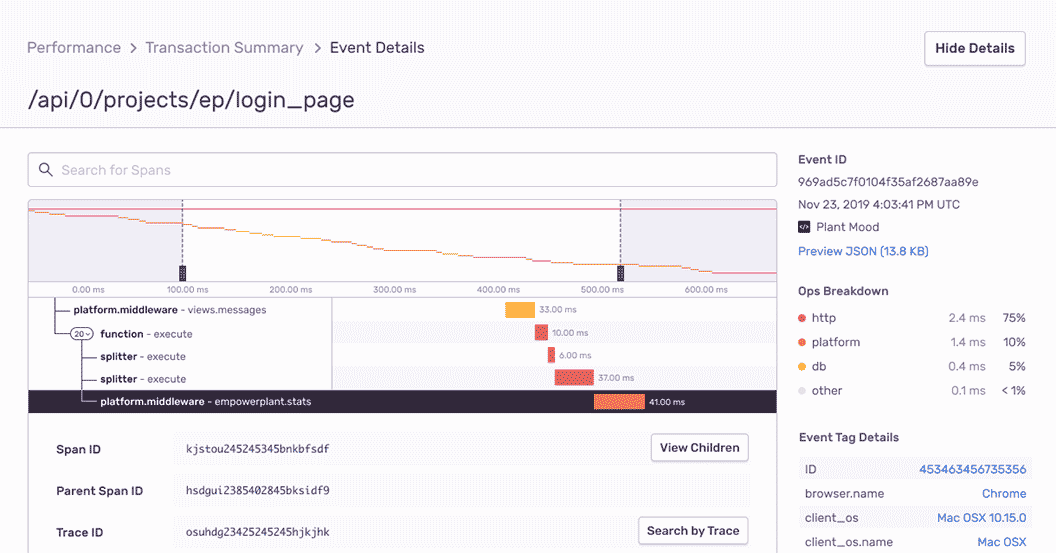
PHP Performance Monitoring
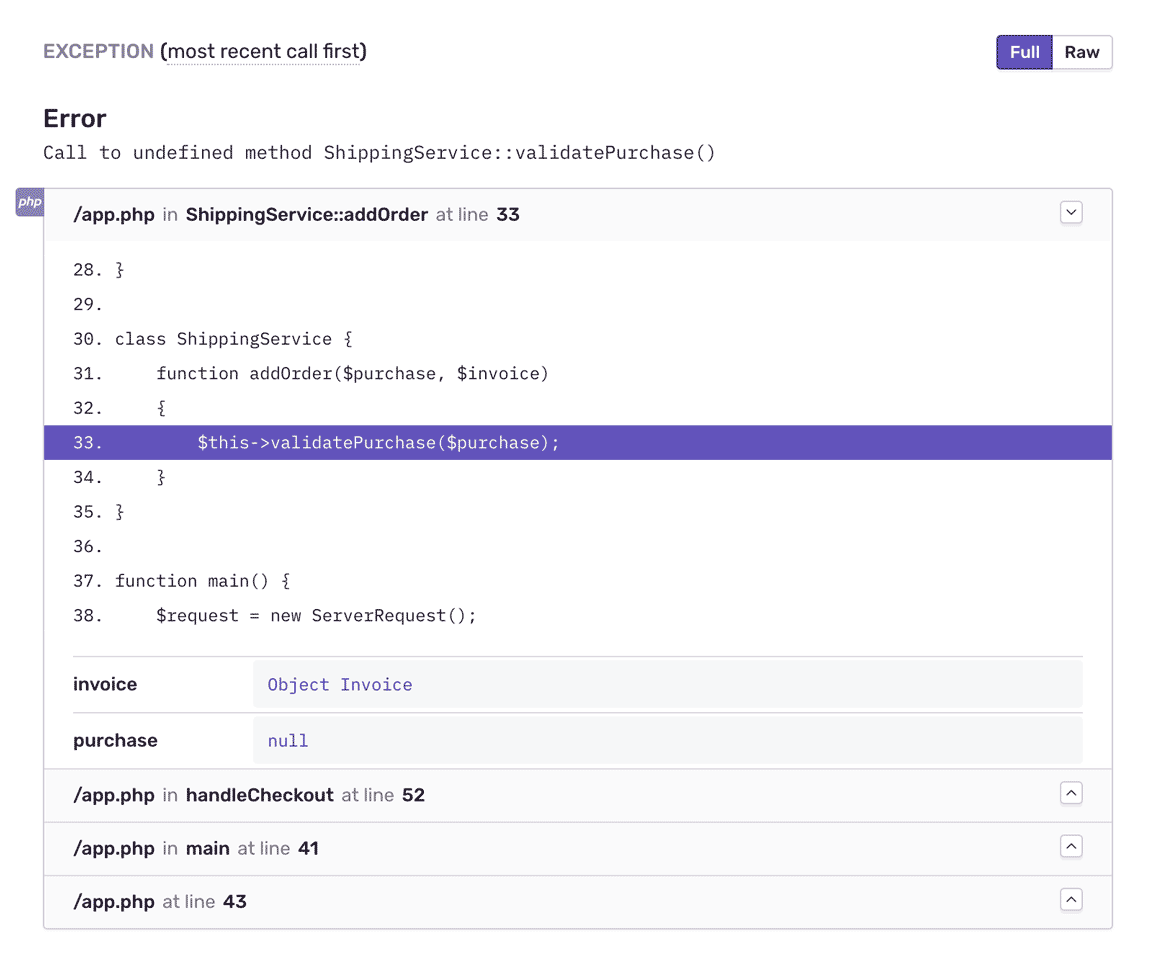
PHP Error Monitoring with Complete Stack Traces
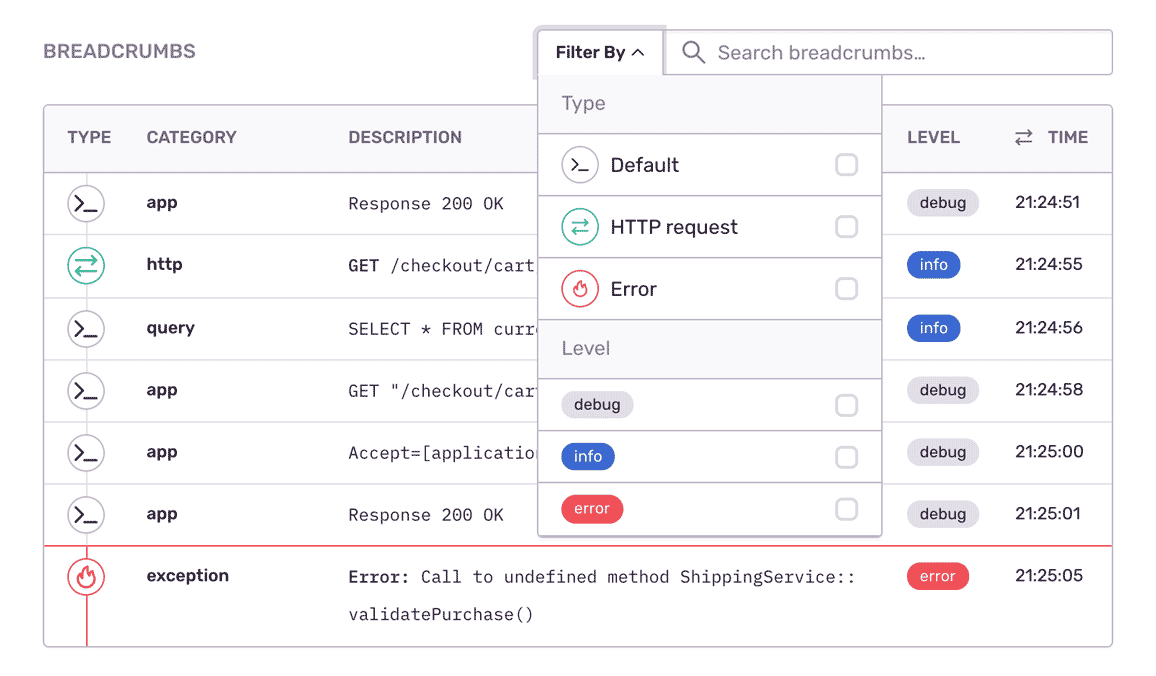
Fill In the Blanks About PHP Errors
"As we ship code, which we do at least daily, I'm constantly staring at Sentry."
Debugging Any PHP Exception
Aggregate errors by factors like request details, user ID, and app versions to see what's new, a priority or a trend.
Assign custom key-value tags to reproduce the error environment specific to your application, business, and users.
Answer the most important questions: How actionable is the error? Can I snooze the alert?
FAQs
Sentry supports every major language, framework, and library. You can browse each of them here.
You can get started for free. Pricing depends on the number of monthly events, transactions, and attachments that you send Sentry. For more details, visit our pricing page.
Sentry doesn't impact a web site's performance.
If you look at the configuration options for when you initialize Sentry in your code, you'll see there's nothing regarding minimizing its impact on your app's performance. This is because our team of SDK engineers already developed Sentry with this in mind.
Sentry is a listener/handler for errors that asynchronously sends out the error/event to Sentry.io. This is non-blocking. The error/event only goes out if this is an error.
Global handlers have almost no impact as well, as they are native APIs provided by the browsers.