
JavaScript Error and Performance Monitoring
Resolve JavaScript errors with max efficiency, not max effort. Get actionable insights to resolve JavaScript performance issues with the ability to track, debug, and resolve JavaScript errors across platforms.
How to install the JavaScript SDK
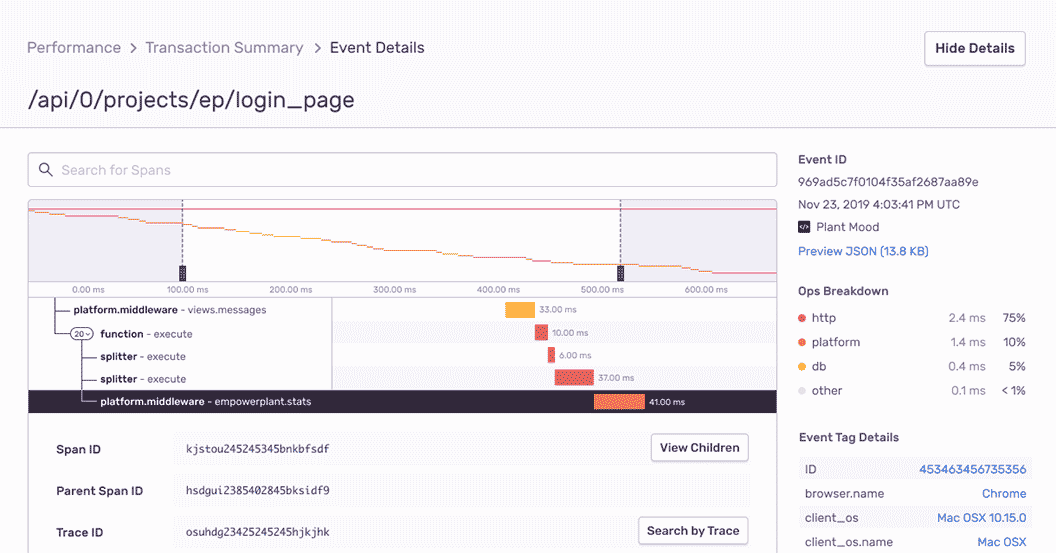
JavaScript Performance Monitoring
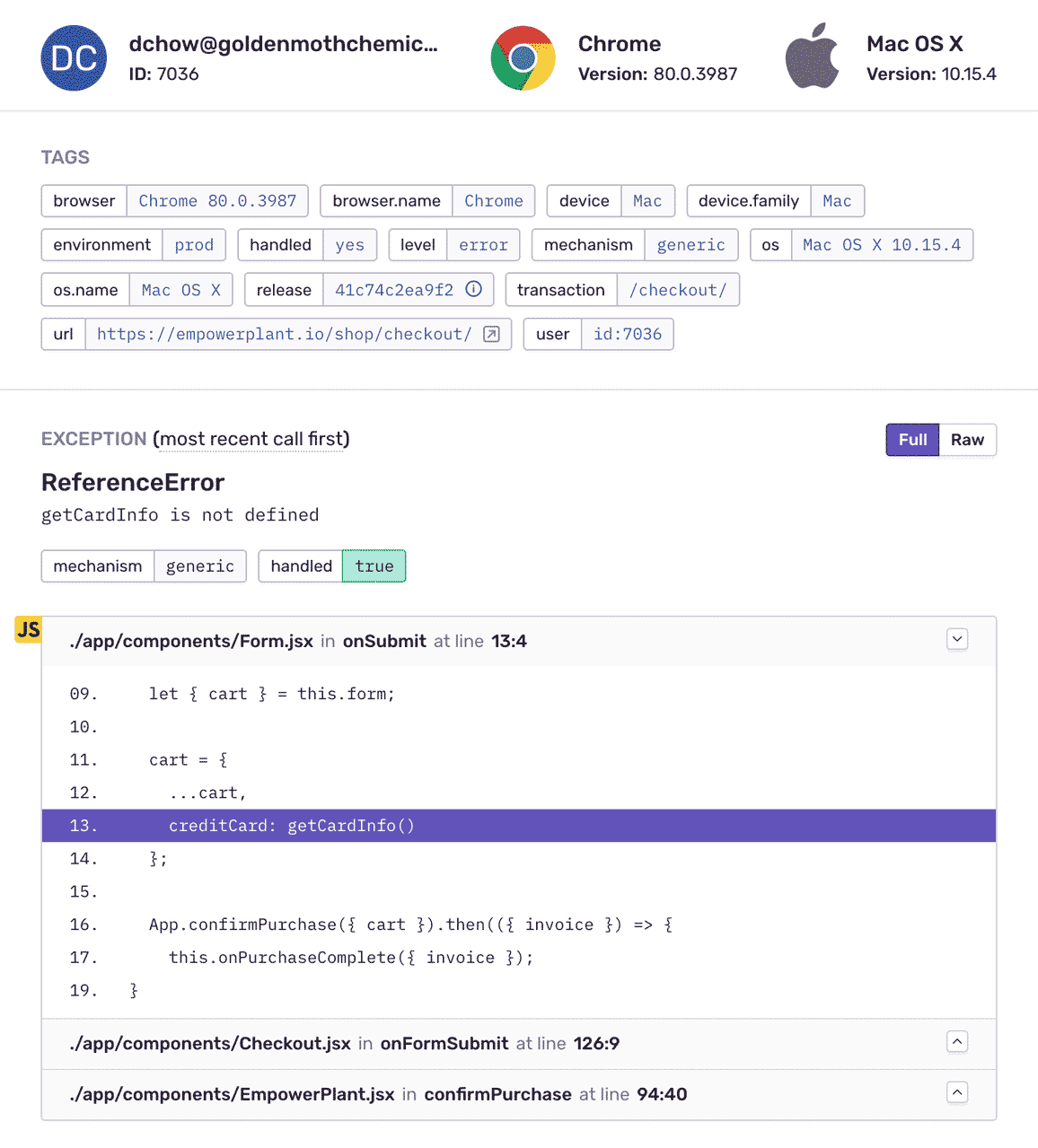
JavaScript Error Monitoring with Complete Stack Traces
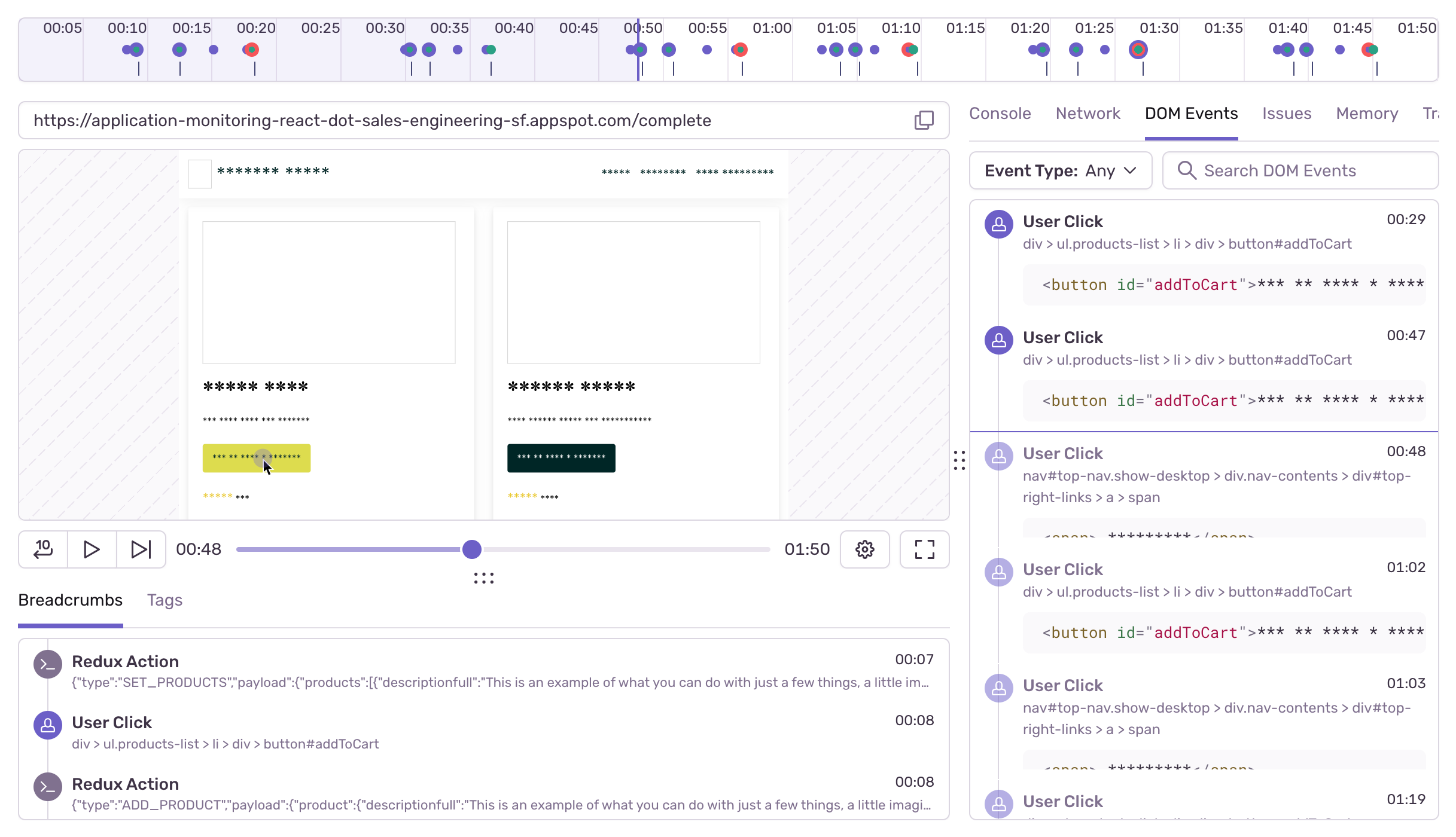
Issues, replayed
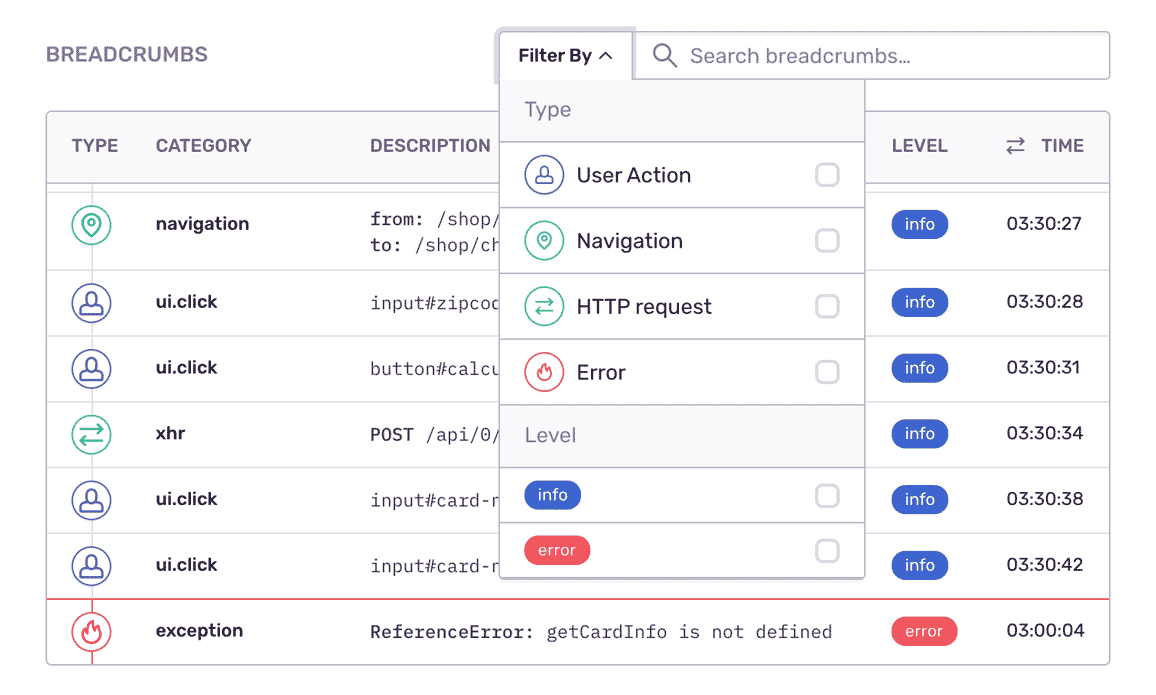
Fill In the Blanks About JavaScript Errors
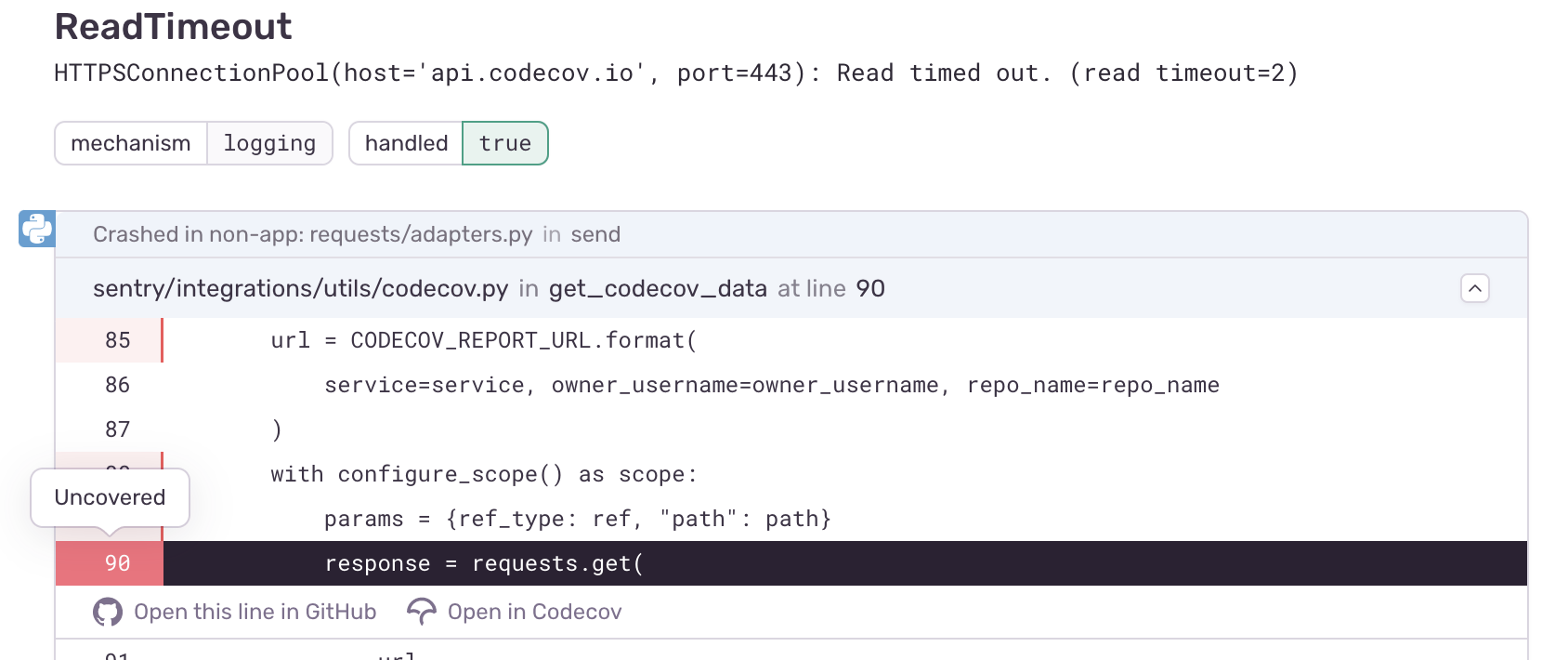
Understand Where Tests Could Prevent Your JavaScript Regressions
"We were able to catch errors with Sentry before customers could report them or before they hit our support queue."
See The Full Picture Of Any JavaScript Exception
Record environment and usage details so you can recreate bugs down to the browser version, OS, and query parameters specific to the session.
Sentry's tag distribution graph also makes it easy to isolate and prioritize any JavaScript error by seeing how often it occurs in context.
Answer the most important questions: Was the bug browser or OS specific? Firefox or Safari?
You can't afford to put JavaScript monitoring on the backburner.
Even a one-second delay in loading results in a 7% reduction in conversions.
Forty percent of customers abandon a website that takes longer than three seconds to load.
The average cost of downtime is $5,600 per minute — or $300,000 per hour.
FAQs
Sentry supports every major frontend language, framework, and library. You can browse each of them here.
You can get started for free. Pricing depends on the number of monthly events, transactions, and attachments that you send Sentry. For more details, visit our pricing page.
Sentry doesn't impact a web site's performance.
If you look at the configuration options for when you initialize Sentry in your code, you'll see there's nothing regarding minimizing its impact on your app's performance. This is because our team of SDK engineers already developed Sentry with this in mind.
Sentry is a listener/handler for errors that asynchronously sends out the error/event to Sentry.io. This is non-blocking. The error/event only goes out if this is an error.
Global handlers have almost no impact as well, as they are native APIs provided by the browsers.