
iOS Error Tracking & Performance Monitoring
Actionable insights to resolve iOS performance bottlenecks and errors. Improve your monitoring workflow with a full view of releases so you can mark iOS errors as resolved and prioritize live issues.
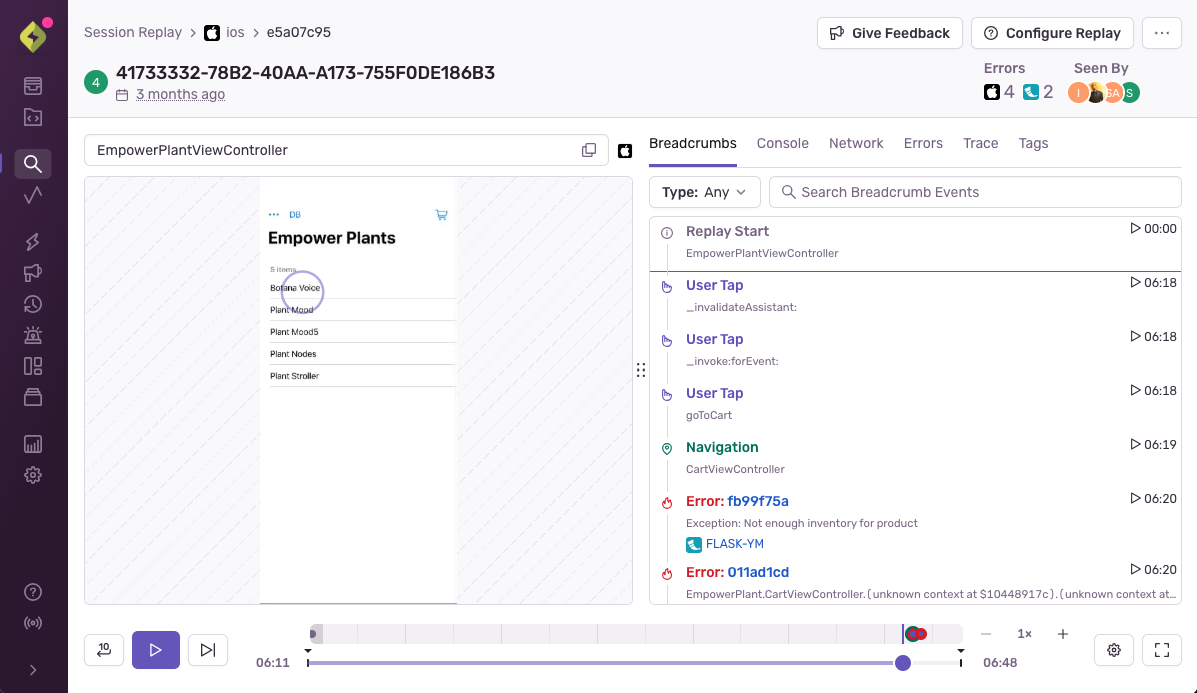
Session Replay
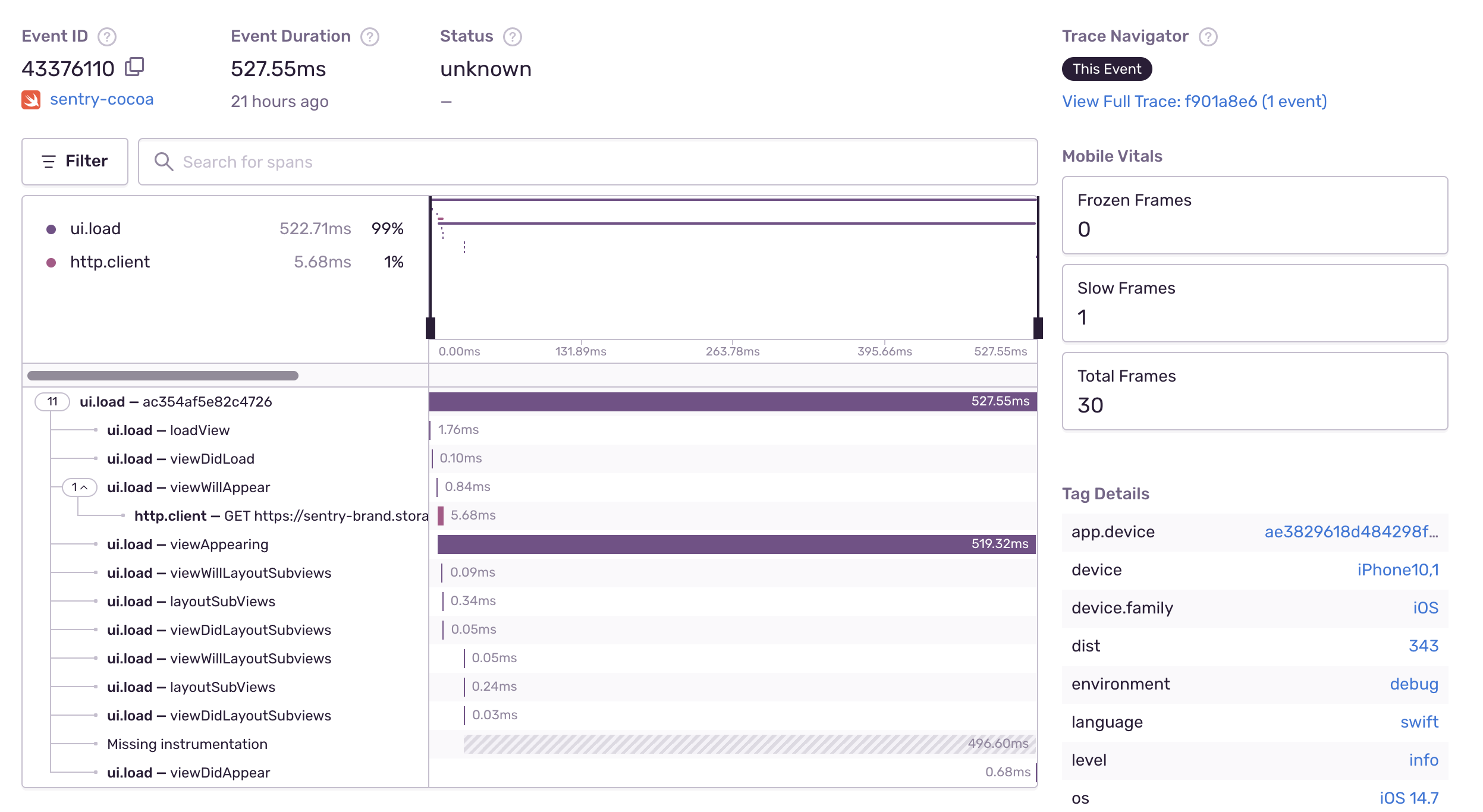
iOS Performance Monitoring
iOS Continuous Profiling
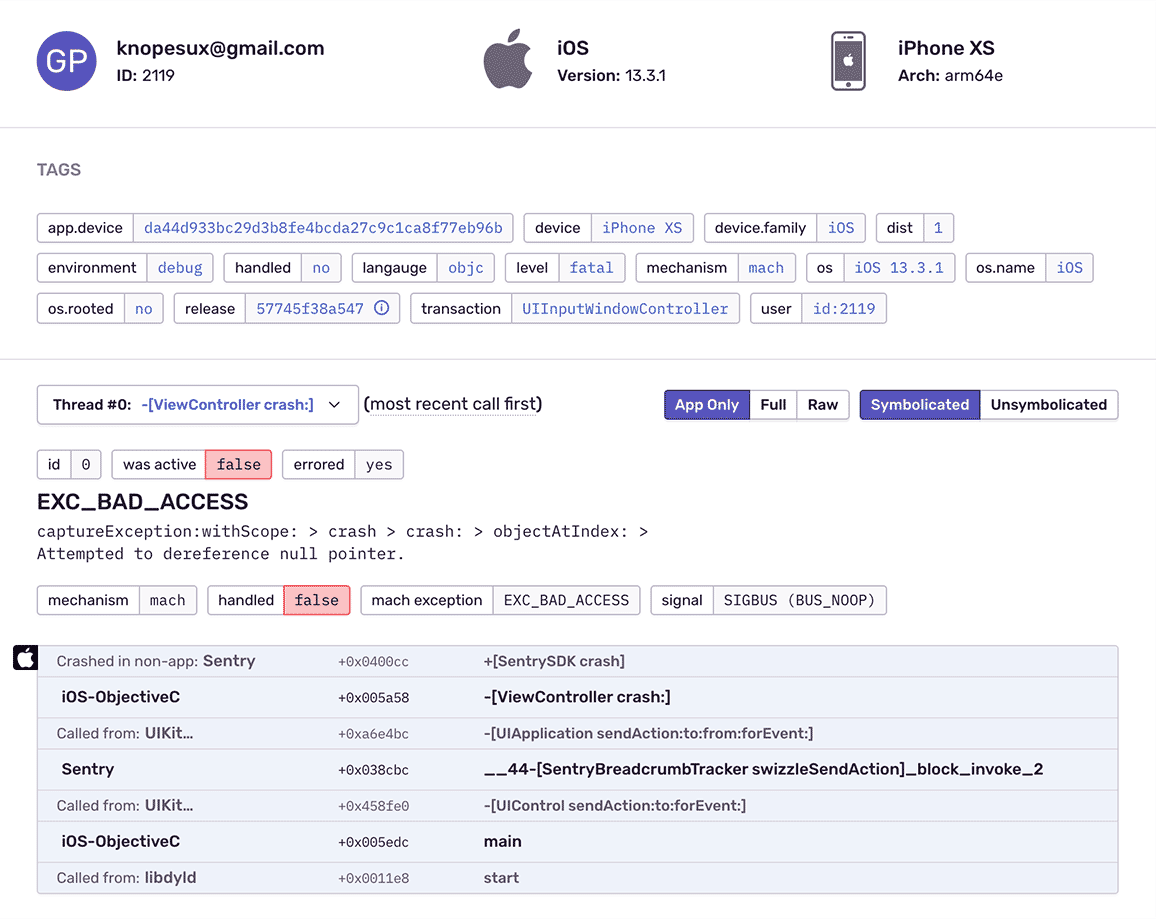
Get iOS Crash Reporting With Complete Stack Traces
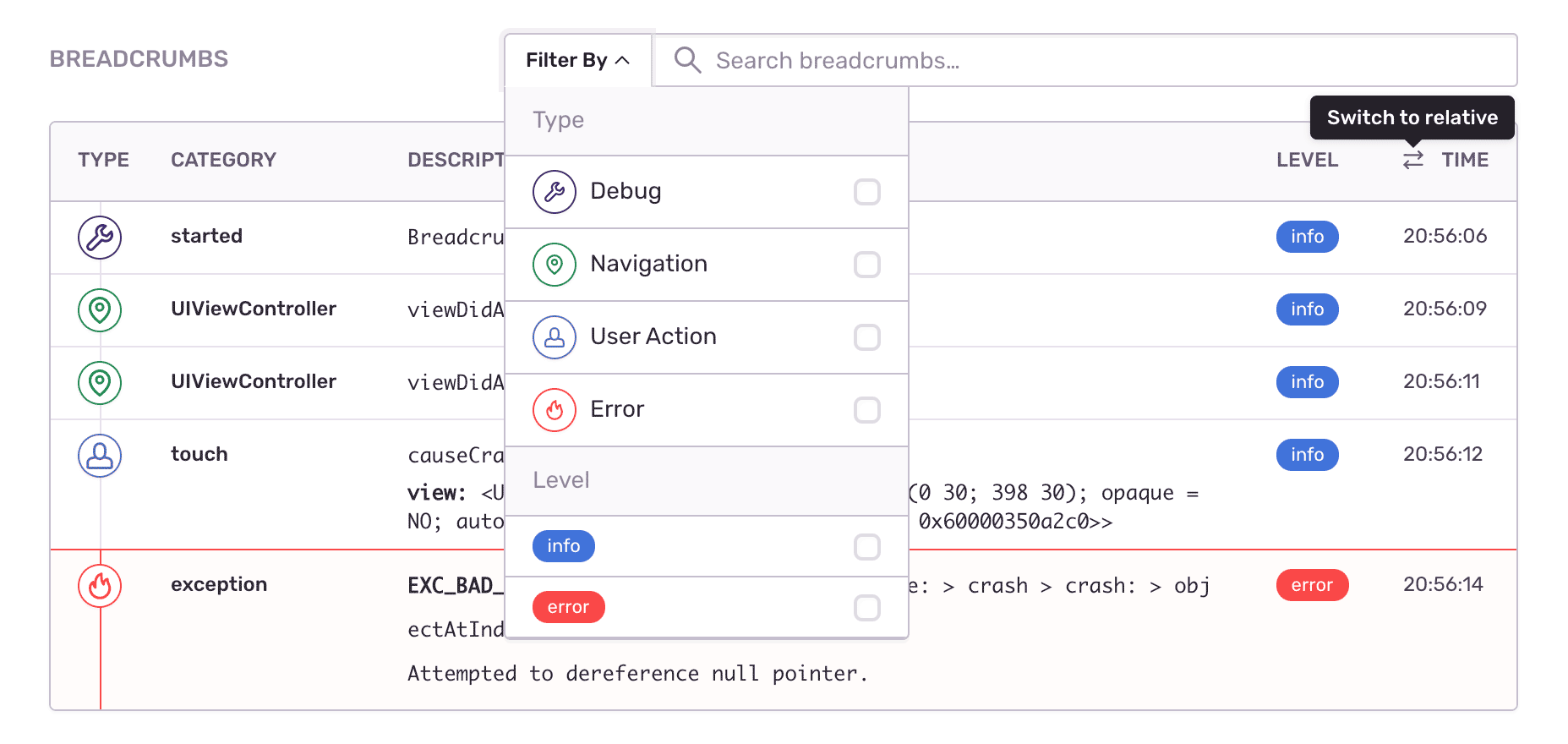
Fill In The Blanks About iOS Crashes
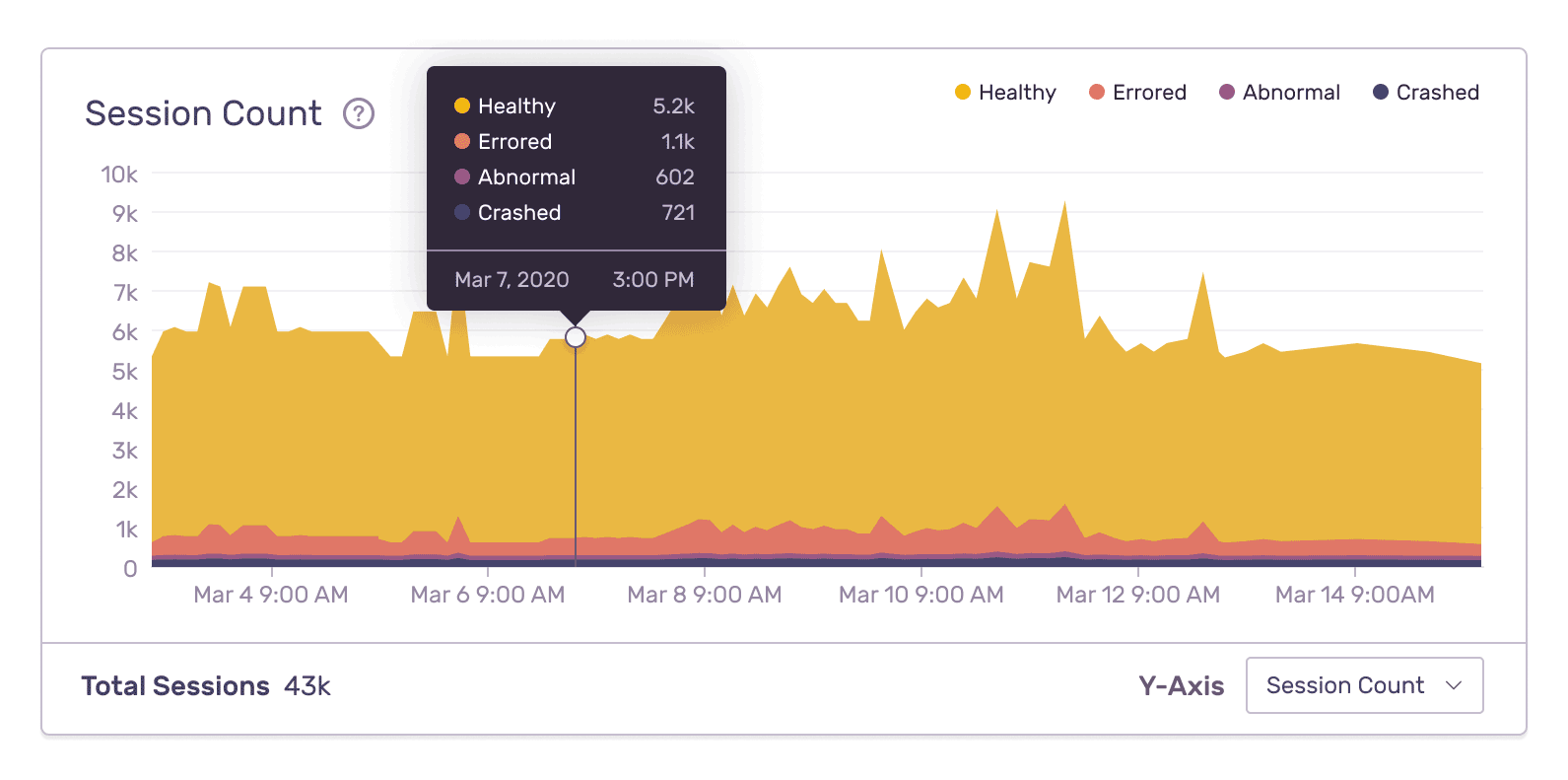
Resolve iOS Crashes With Better Data
"Being able to use Sentry to monitor the performance as well as our mobile applications is important. Using one solution to monitor the entire application stack gives our engineers the visibility they need to deliver a first-rate experience for our customers."
See The Full Picture Of Any iOS Exception
See what the app was doing when the iOS crash occurred
Find answers to the key questions and insights need to resolve the issue
How actionable is this crash? What was the device? Has this same crash occurred before?
FAQs
Sentry supports every major language, framework, and library. You can browse each of them here.
You can get started for free. Pricing depends on the number of monthly events, transactions, and attachments that you send Sentry. For more details, visit our pricing page.
Sentry doesn't impact a web site's performance.
If you look at the configuration options for when you initialize Sentry in your code, you'll see there's nothing regarding minimizing its impact on your app's performance. This is because our team of SDK engineers already developed Sentry with this in mind.
Sentry is a listener/handler for errors that asynchronously sends out the error/event to Sentry.io. This is non-blocking. The error/event only goes out if this is an error.
Global handlers have almost no impact as well, as they are native APIs provided by the browsers.